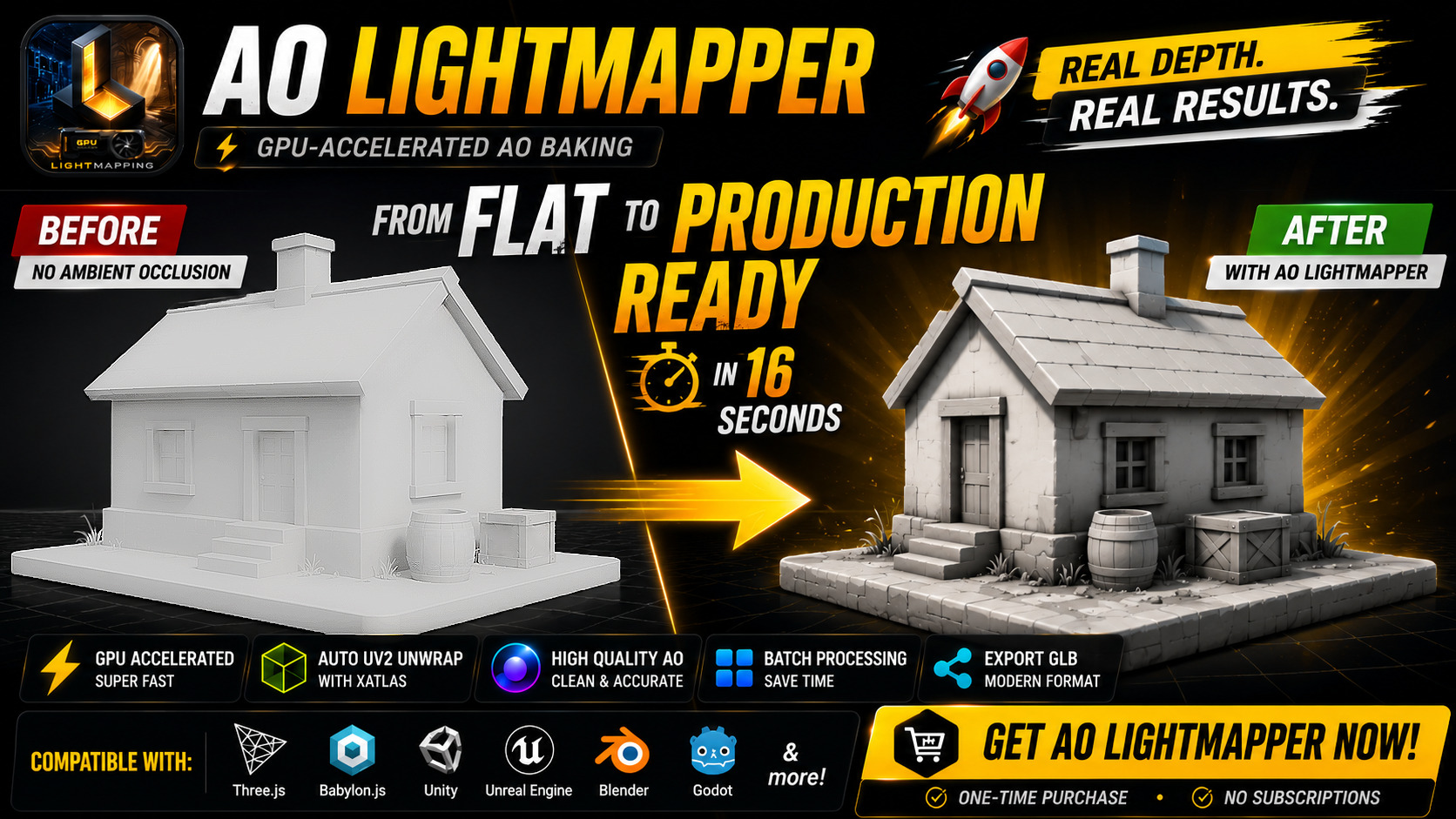
AO Lightmapper - GPU AO Baker for GLB & FBX
A downloadable tool for Windows, macOS, and Linux
One-click GPU-accelerated Ambient Occlusion lightmap baker for GLB and FBX models.
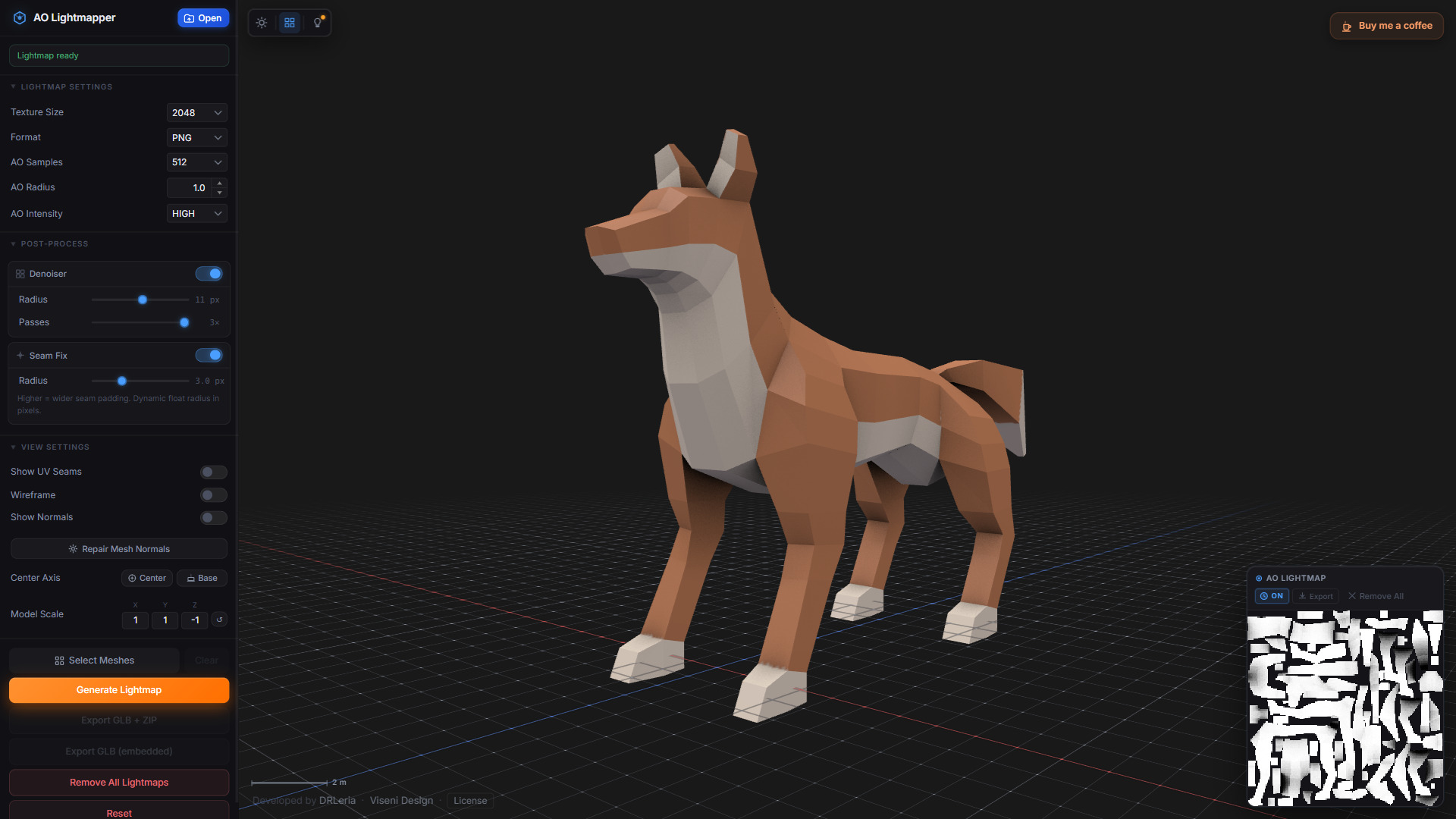
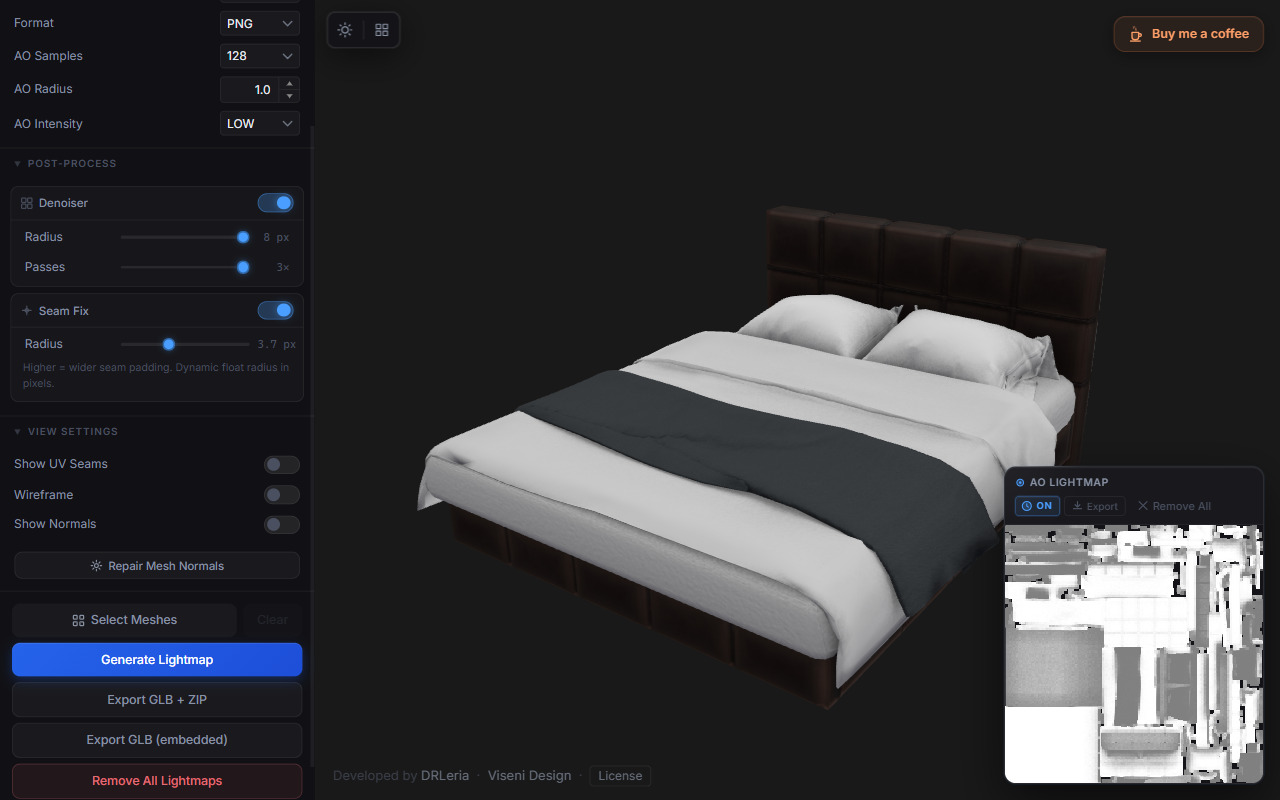
AO Lightmapper automatically generates UV2 coordinates, bakes high-quality Ambient Occlusion maps using GPU ray tracing, and exports the results as standalone textures or embedded directly into GLB files.
GPU ray-traced AO baking • Up to 2048 samples • Up to 4K lightmaps
No Blender setup. No manual UV creation. No cloud services
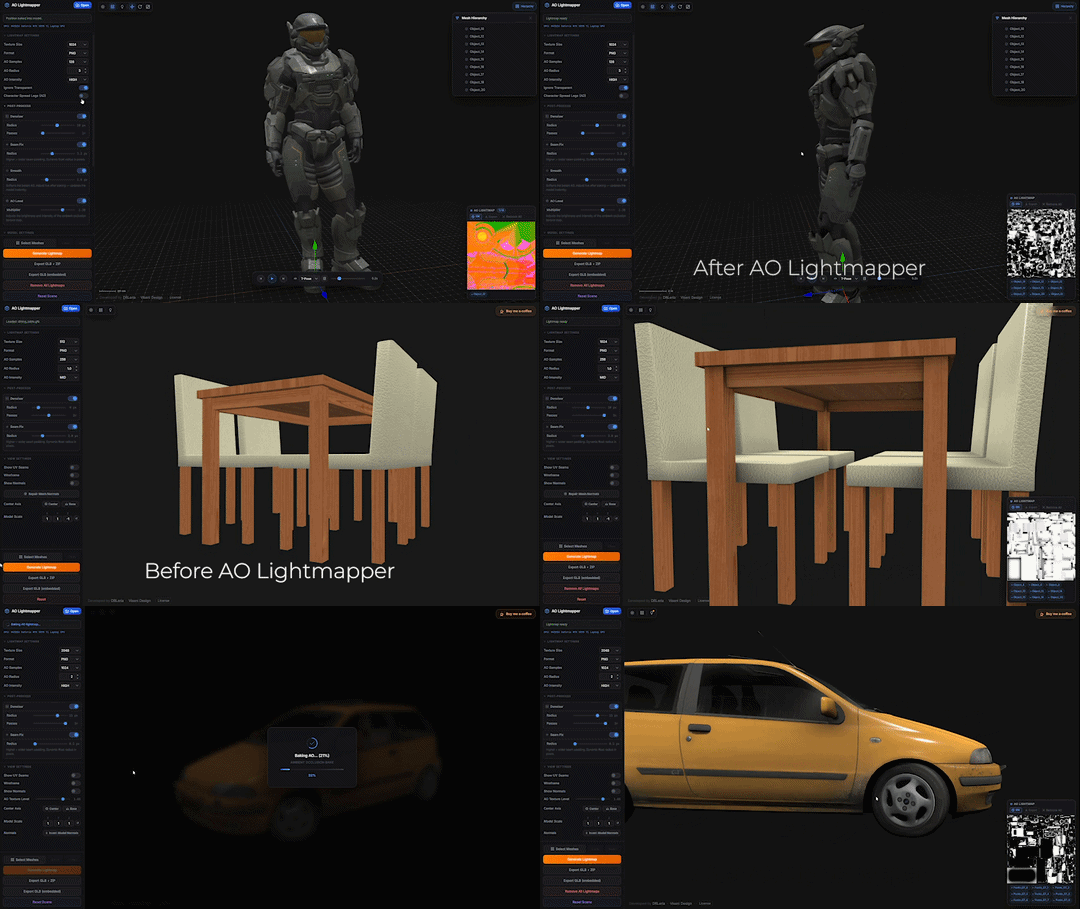
Generate production-ready AO lightmaps in seconds for GLB and FBX assets.
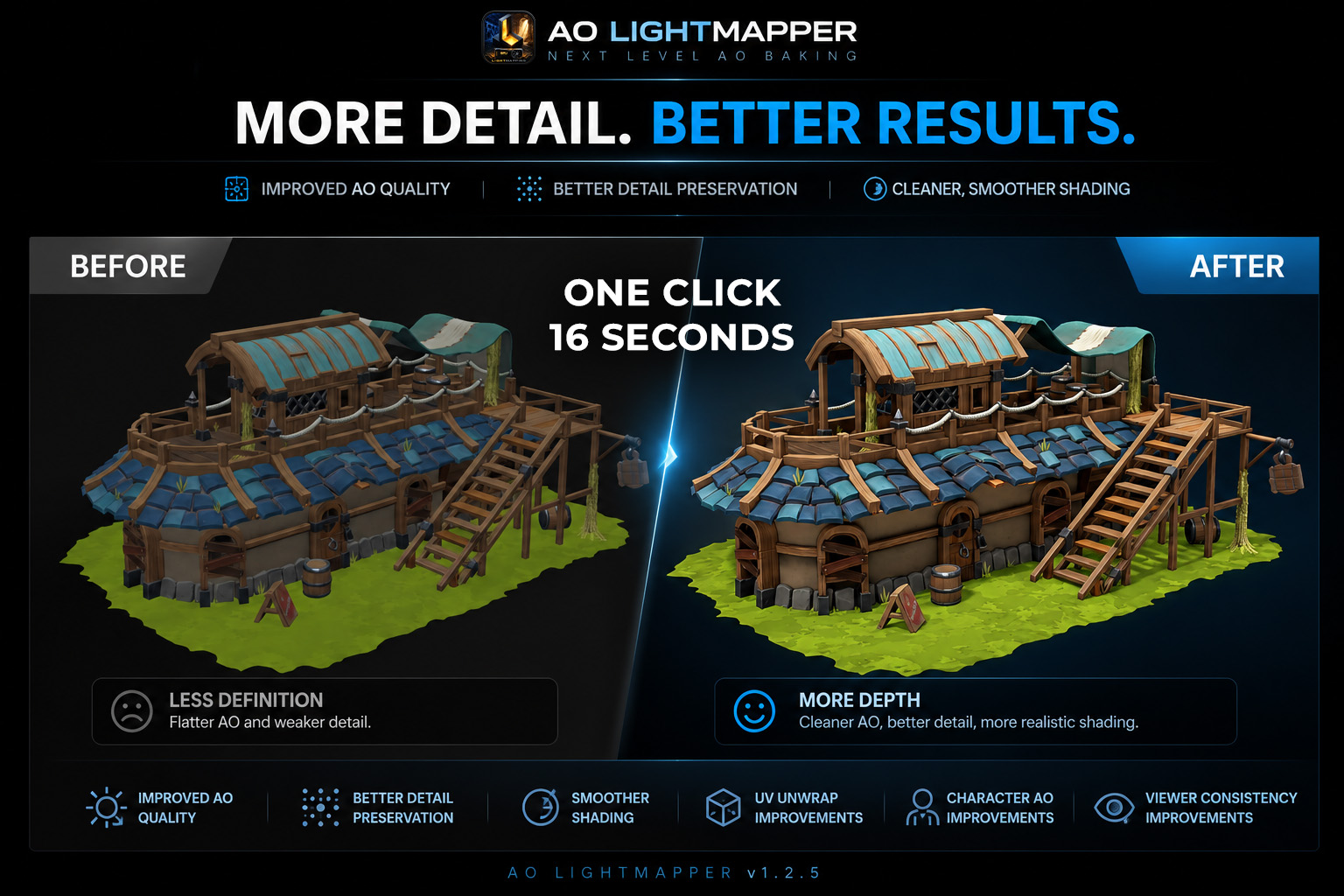
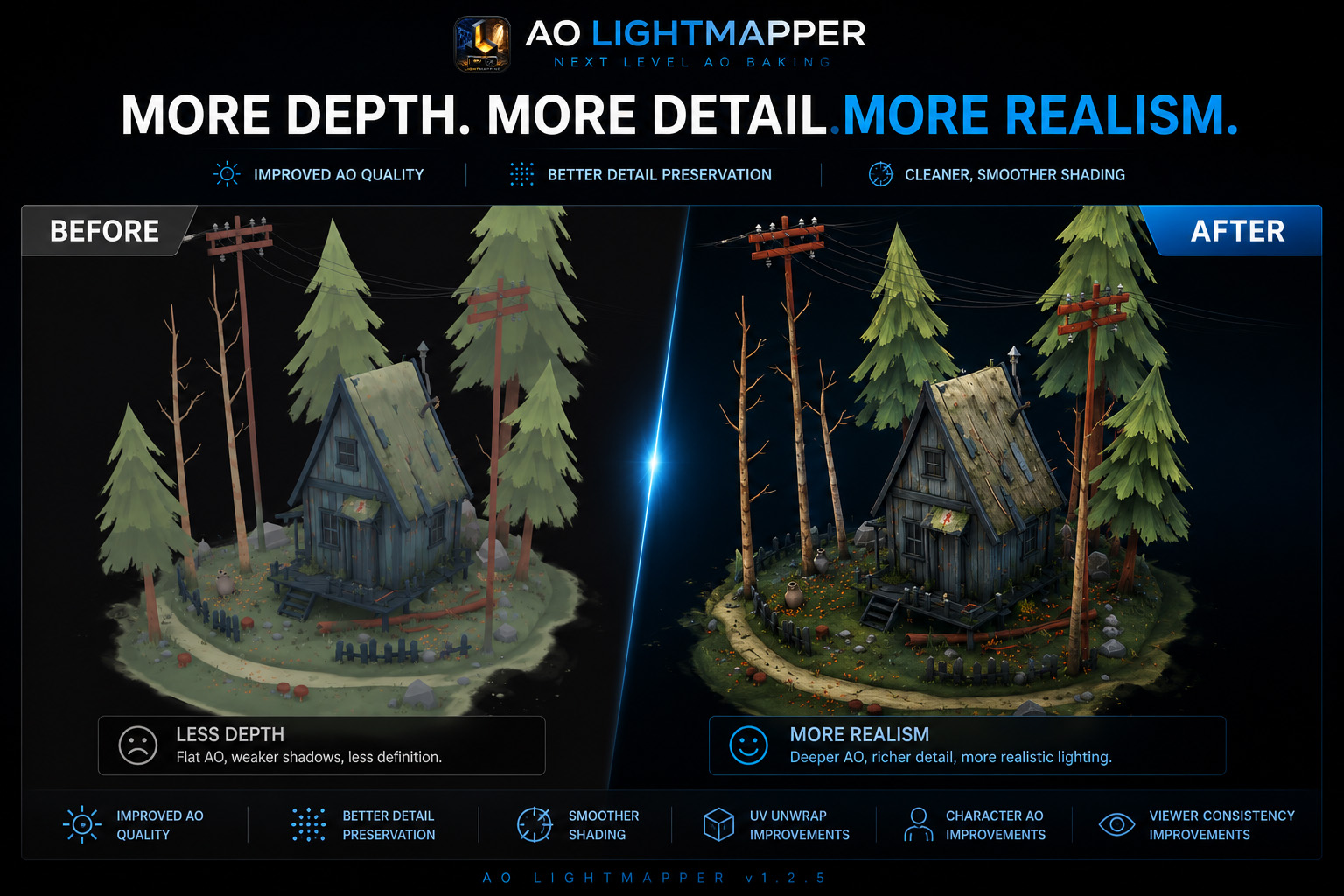
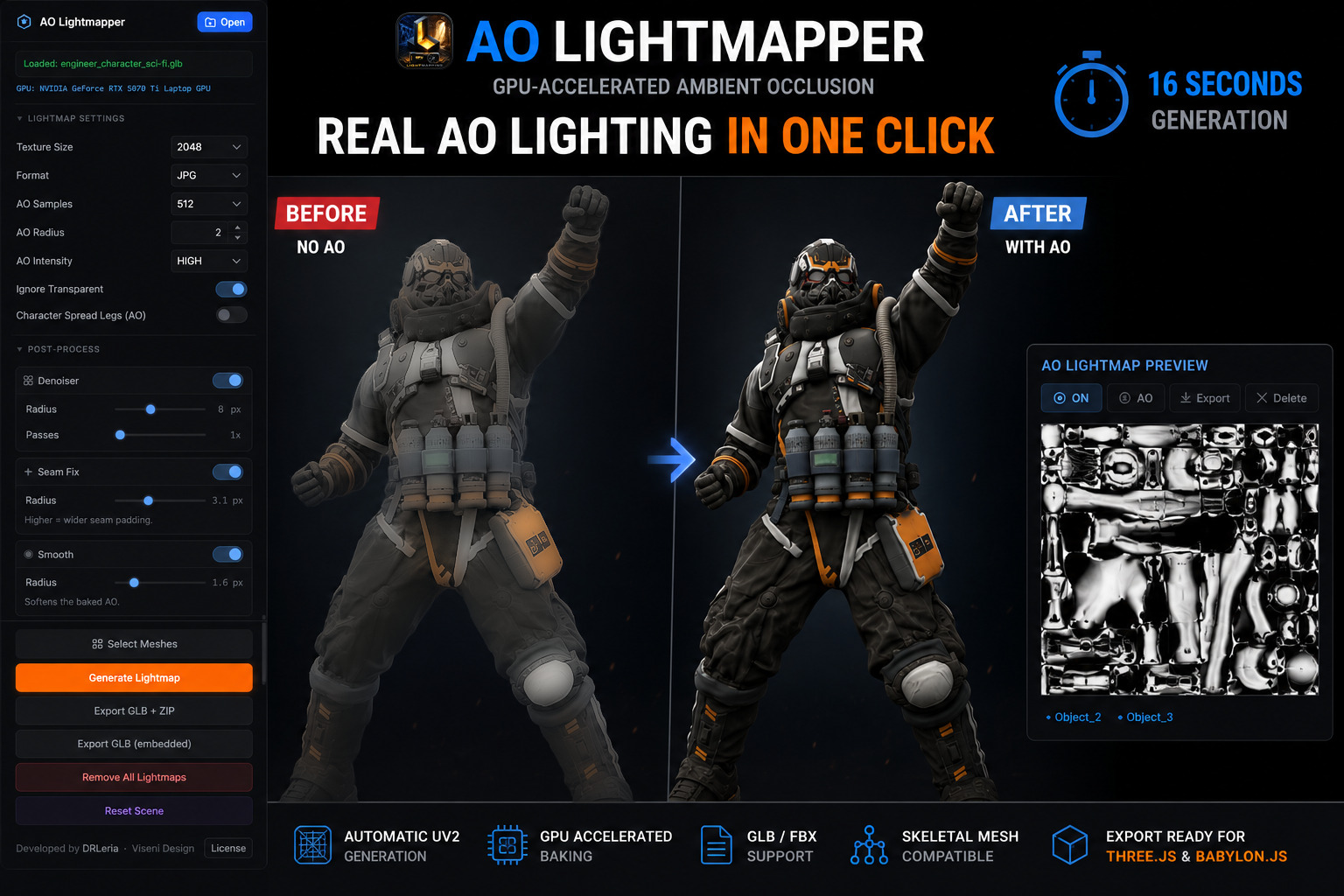
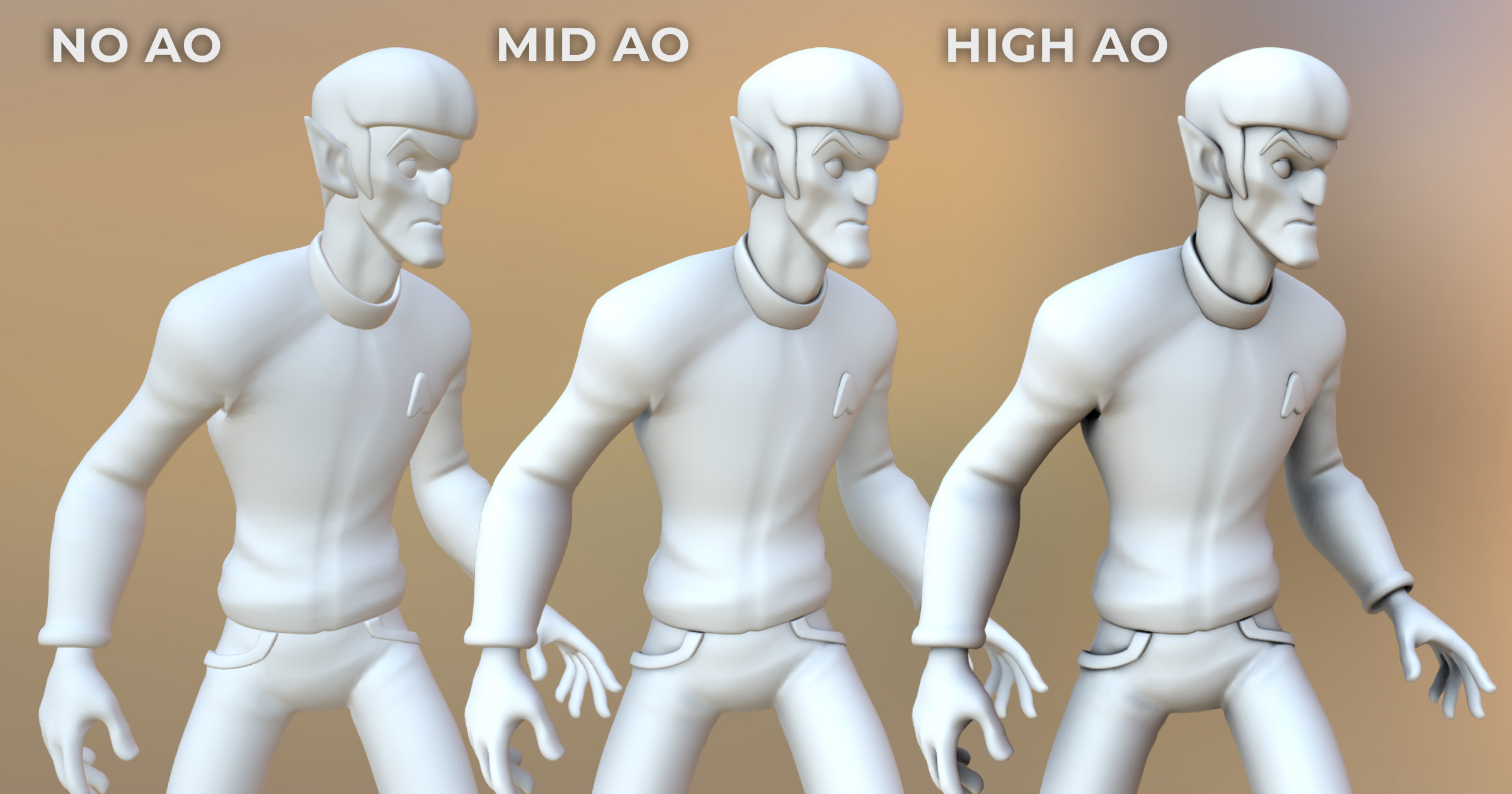
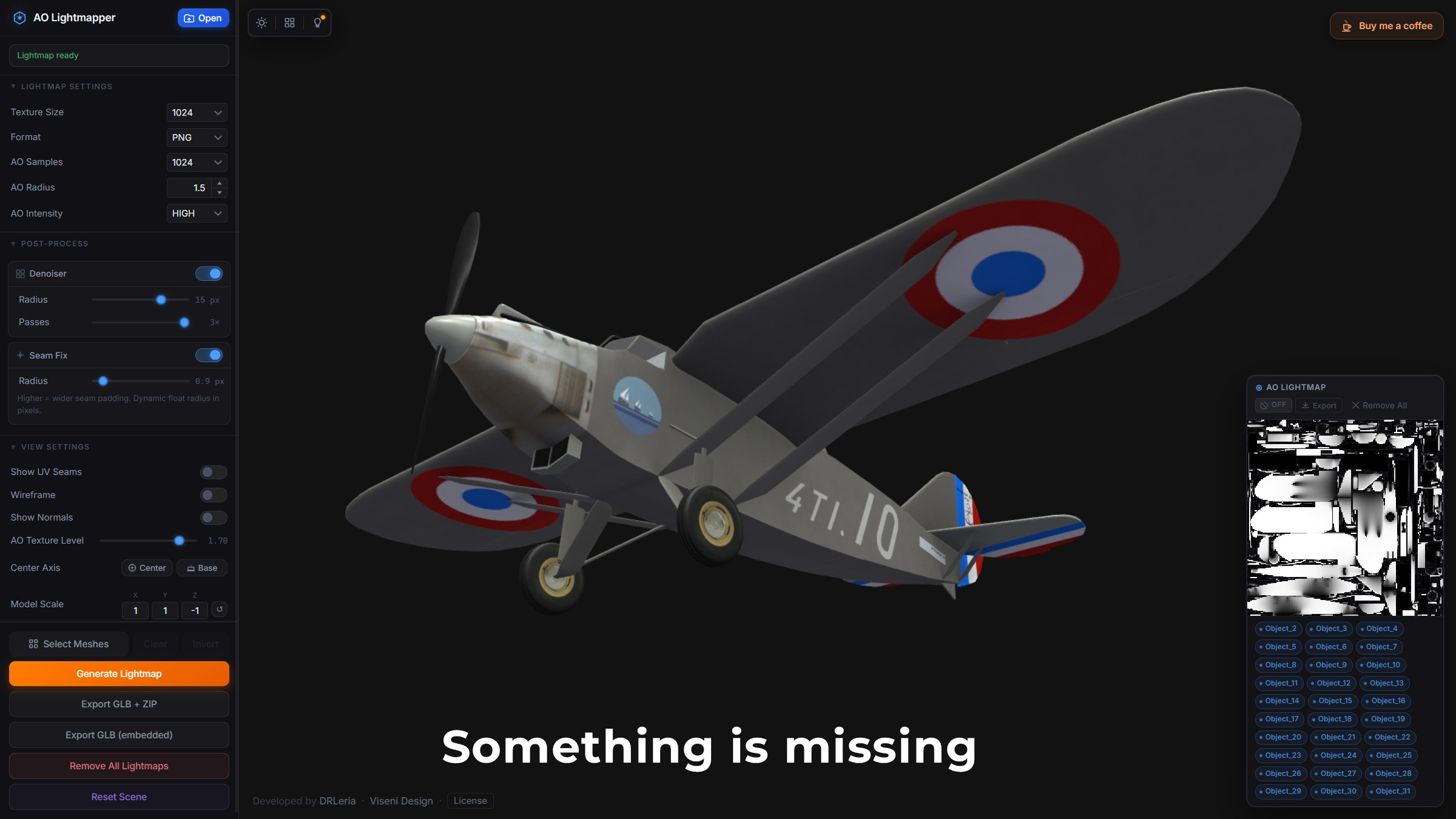
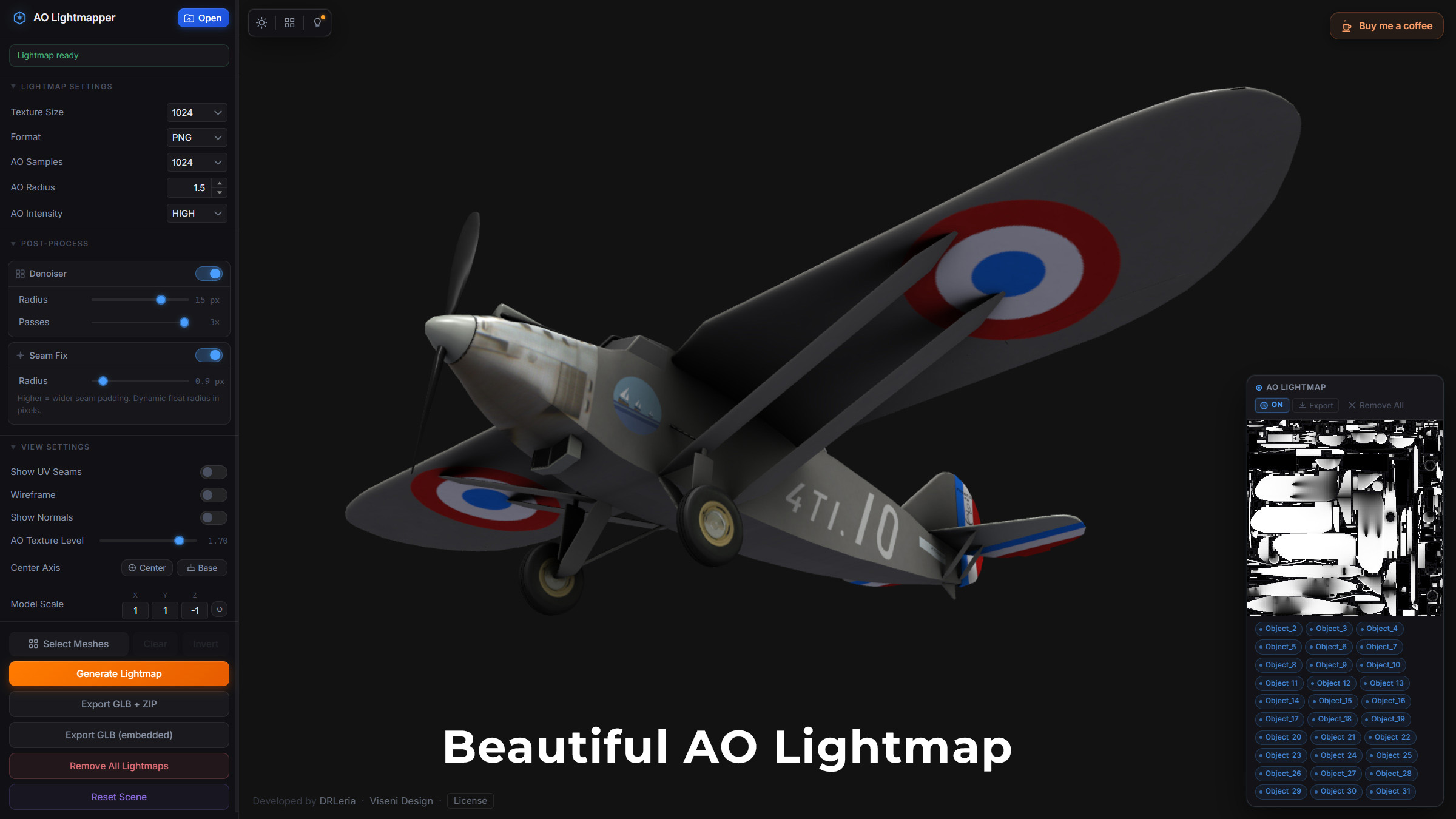
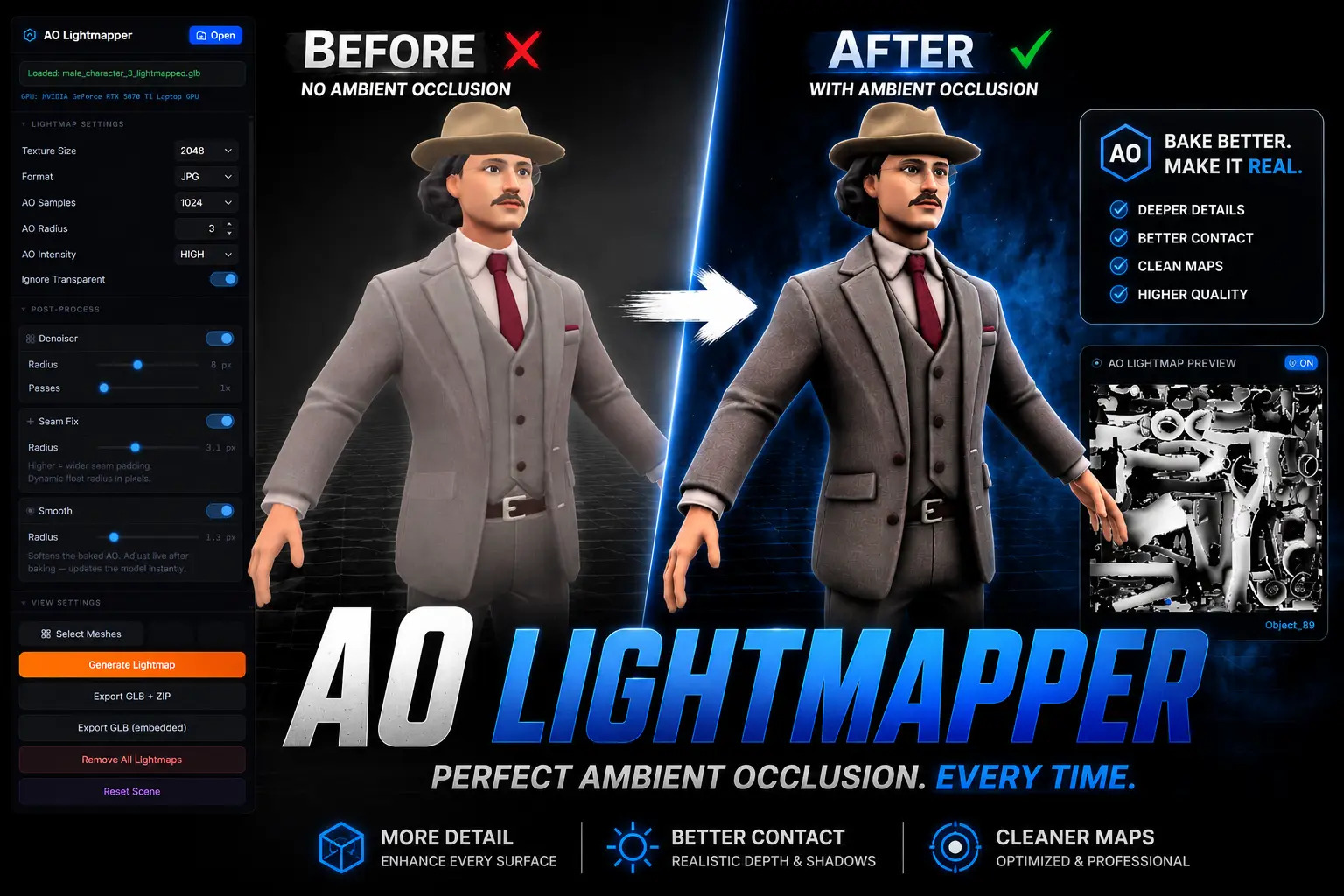
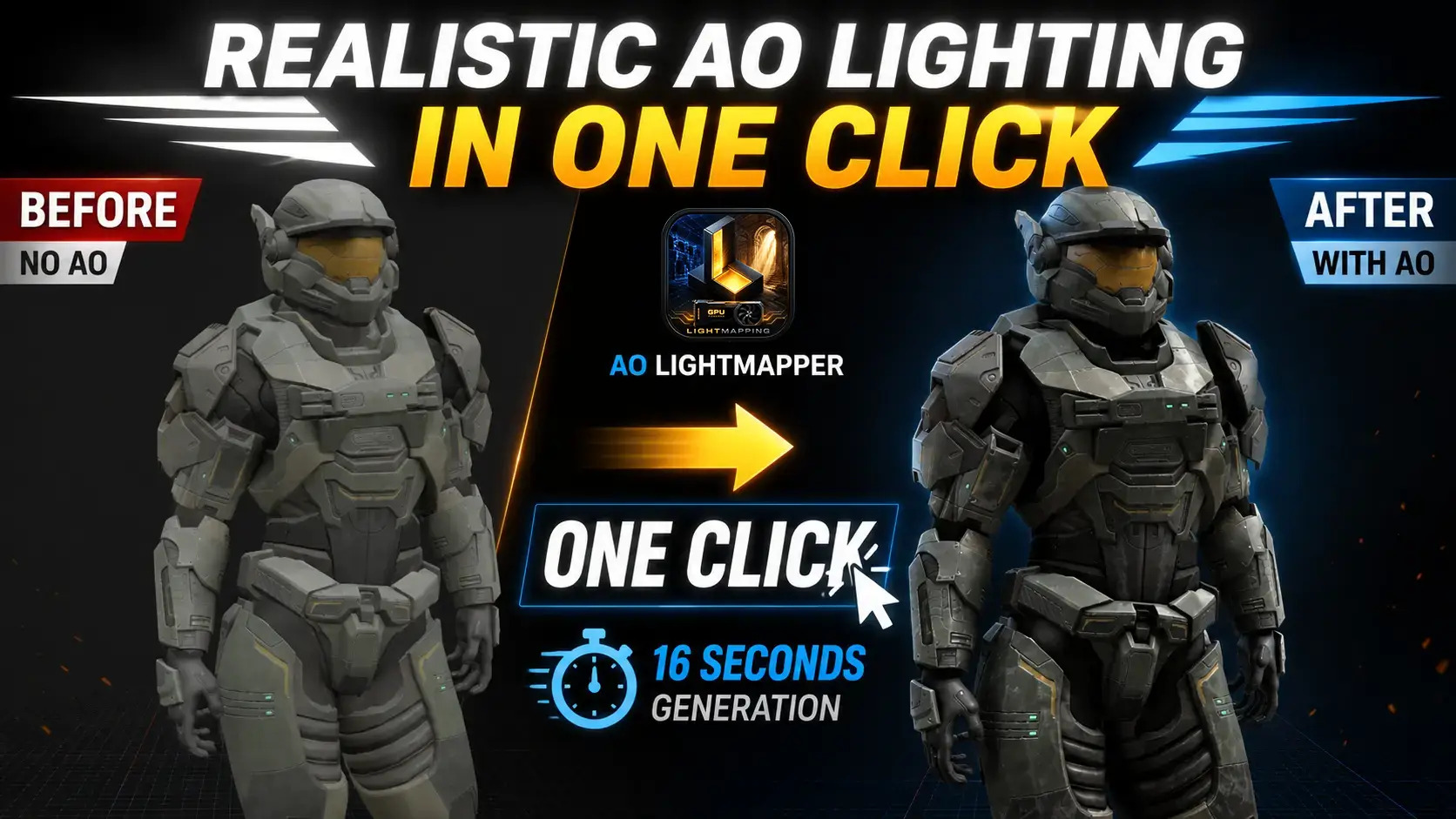
** All images shown were generated using AO Lightmapper **
Why AO Lightmapper?
- No Blender setup required
- Automatic UV2 generation
- GPU ray-traced baking
- Works directly with GLB and FBX assets
- Export ready for Three.js and Babylon.js
- Fully local processing
- Designed for indie developers and technical artists
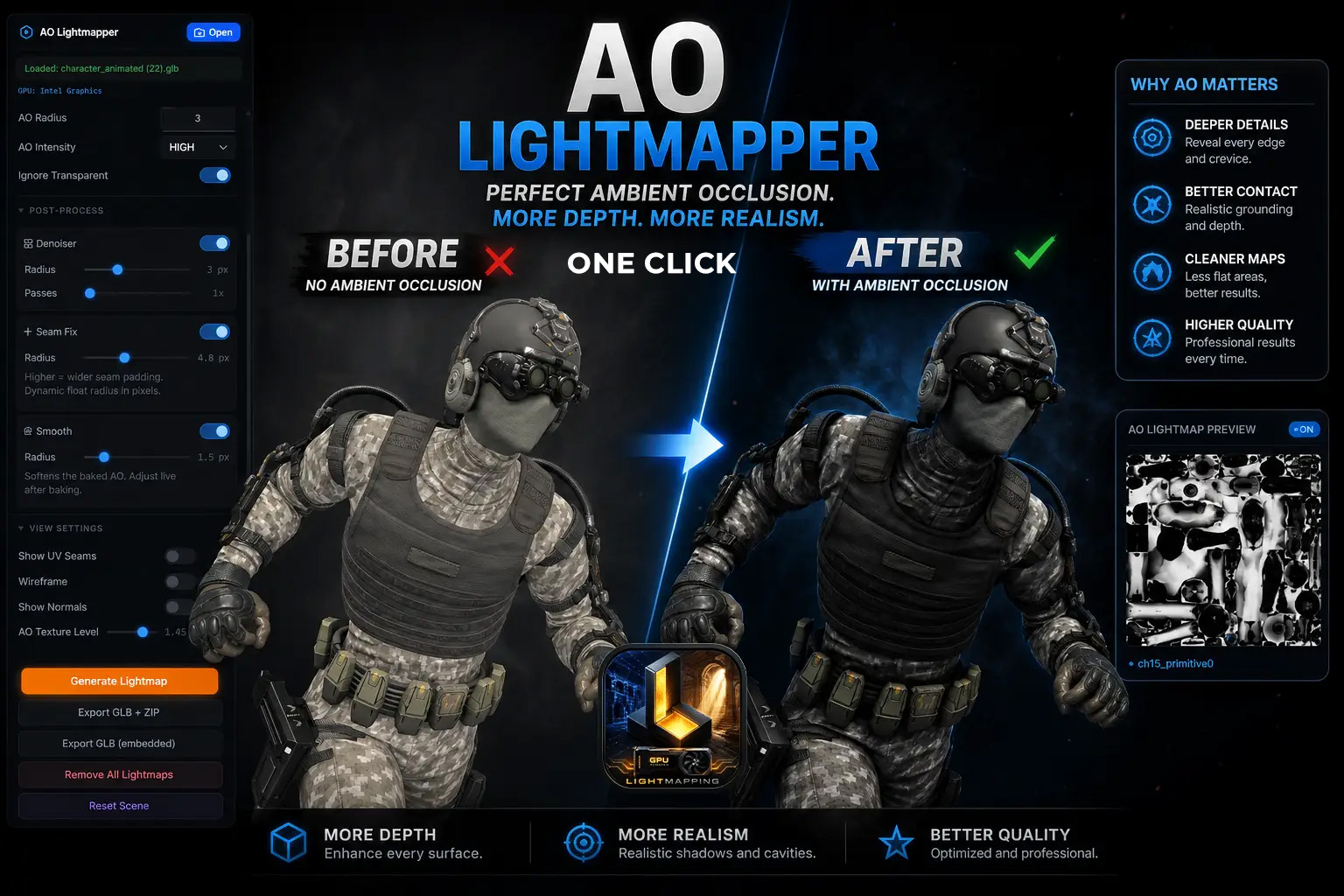
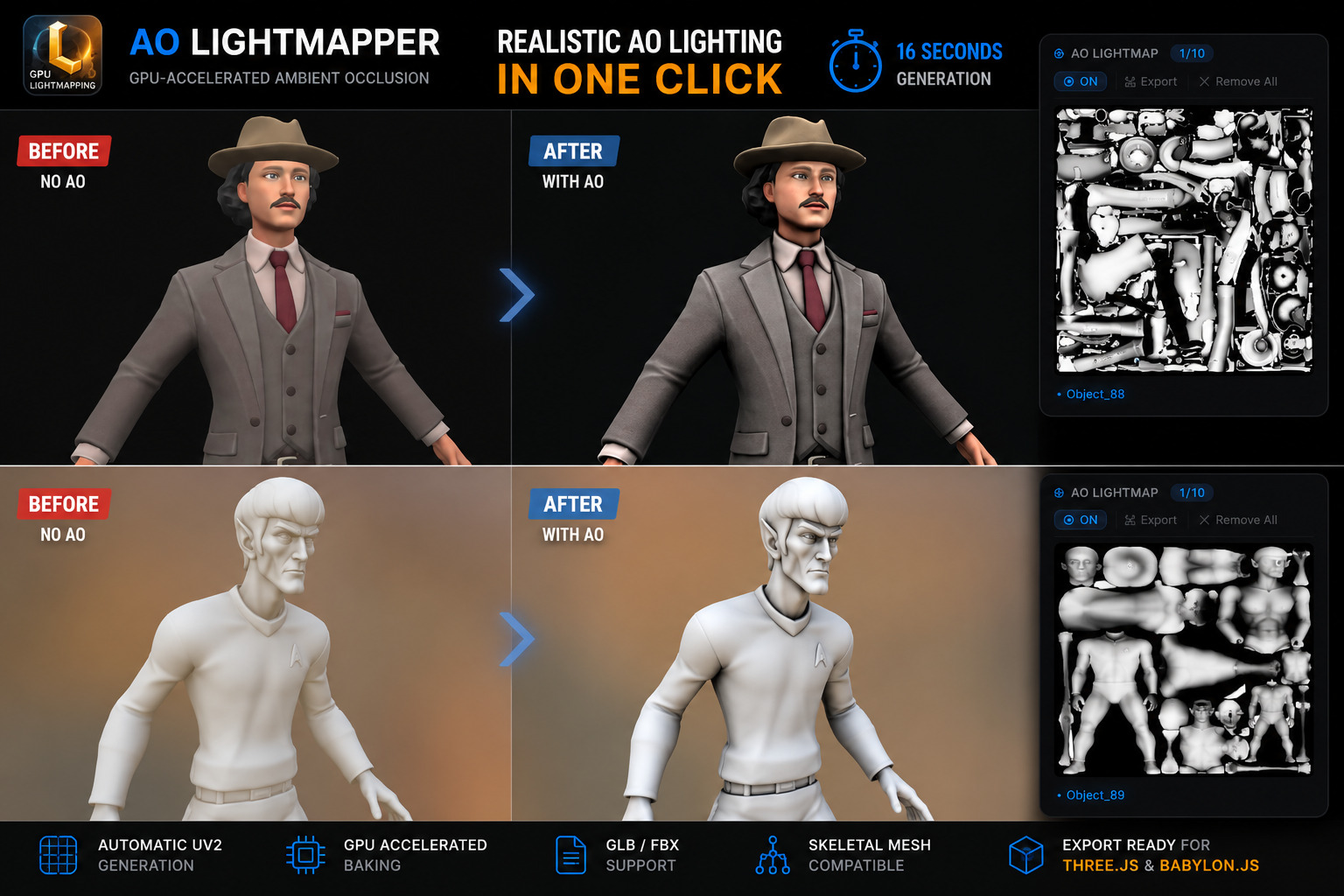
Core Features
AO Baking
- GPU Accelerated Baking
- Up to 2048 AO samples
- Up to 4096×4096 lightmaps
- Real-Time Preview
- Denoising
- Character-Aware Baking
Asset Support
- GLB Import/Export
- FBX Import
- Skeletal Meshes
- Animations
UV Generation
- Automatic UV2 Generation
- Advanced UV Packing
- UV Channel Selection
Workflow
- Batch Processing
- Simple Scene Editing Tools
- Easy to use Material Inspector
- One-Click Export
Unity Integration
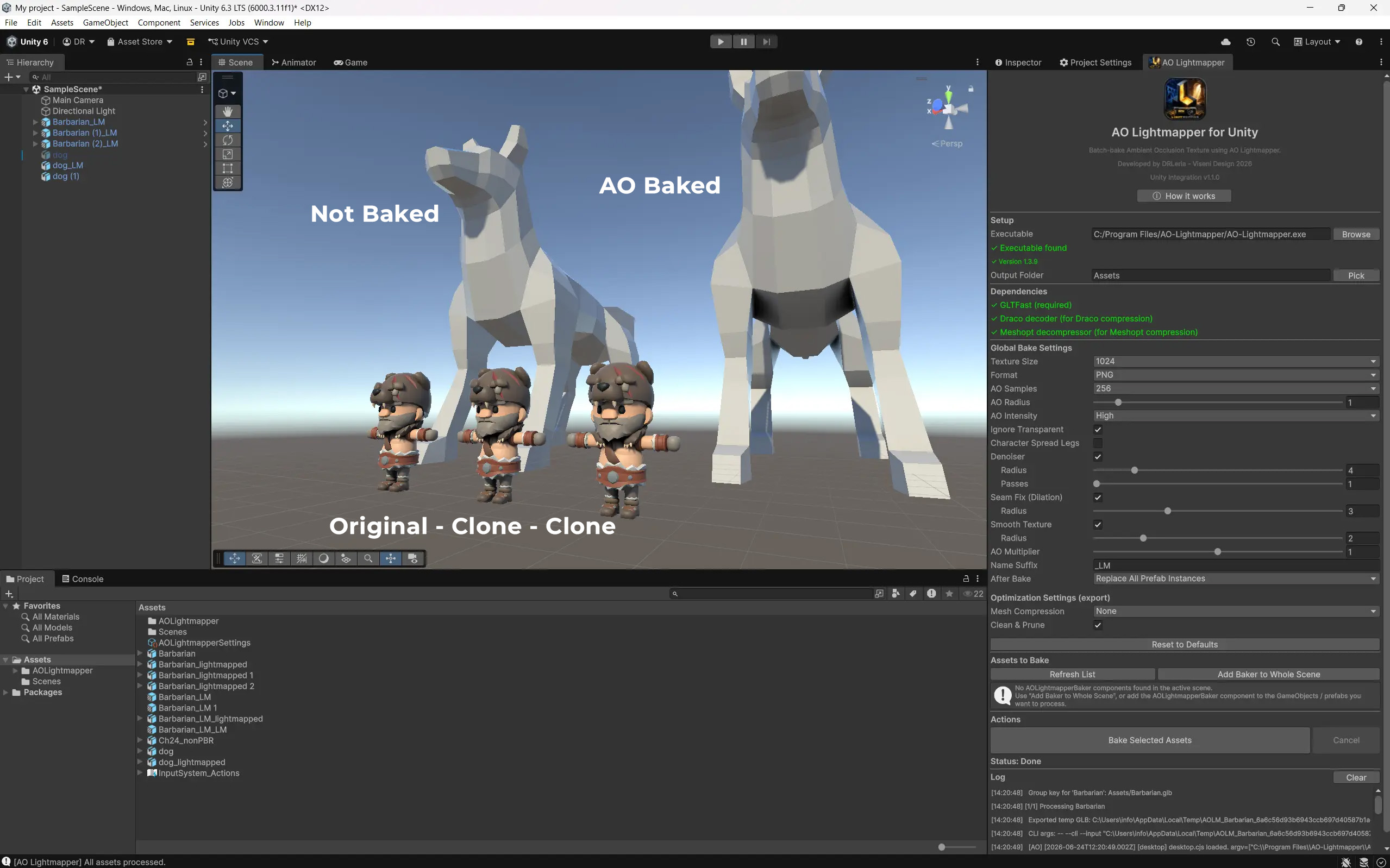
- Included Unity Extension
- Automatic AO Generation from Unity
- Batch Processing of Multiple Prefabs
- Automatic Asset Reimport
- Automatic Material Assignment
- Replace Existing Assets or Keep Originals
- Replace All Prefab Instances in a Scene
Simple Workflow
- Load a GLB or FBX model.
- Generate UV2 automatically.
- Bake Ambient Occlusion.
- Preview results instantly.
- Export your lightmapped assets (GLB Zipped / GLB Embedded).
Export
ZIP Export (Separate Files)
Exports a ZIP package containing the unwrapped GLB model and its lightmap textures as separate files, ideal for custom workflows and external material setup.
Embedded GLB Export
Exports a single self-contained GLB with the baked lightmap embedded: as Ambient Map in Babylon.js and as AO Map in Three.js.
Included
- Windows / MacOS / Linux Desktop Application
- Future updates included
Perfect For
- Game Development
- 3D Experience Development
- Babylon.js Projects
- Three.js Projects
- Product Configurators
- Technical Art Pipelines
- Asset Optimization Workflows
Important: Model Quality Matters
AO Lightmapper is designed to bake high-quality ambient occlusion from your existing geometry, but the final result will always depend on the quality of the source asset.
- For best results, make sure your model has:
- Clean, well-structured geometry
- Correct face orientations and normals
- No overlapping or broken mesh sections
- Reasonable topology and scale
- Properly authored UVs and materials
While AO Lightmapper automatically generates UV2 lightmap coordinates, it cannot fully compensate for issues such as inverted normals, severely distorted geometry, non-manifold meshes, or poorly constructed assets.
In short: good input produces good lightmaps. AO Lightmapper can automate and accelerate the baking process, but it is not a substitute for proper 3D modeling practices.
** Also available: Quick AO Lightmapper for Babylon.js Sandbox and Three.js Editor. **
Purchase
In order to download this tool you must purchase it at or above the minimum price of $5 USD. You will get access to the following files:
Development log
- AO Lightmapper v1.4.1 🚀8 days ago
- AO Lightmapper 1.4.0 — What's New 🚀16 days ago
- AO Lightmapper Unity Extension v1.1.0 🚀25 days ago
- Development Update – AO Lightmapper v1.3.9 🚀26 days ago
- Development Update – AO Lightmapper v1.3.5 🚀27 days ago
- Development Update – AO Lightmapper v1.3.4 🚀27 days ago
- Development Update – AO Lightmapper v1.3.3 🚀28 days ago
- Development Update – AO Lightmapper v1.3.2 🚀28 days ago

Leave a comment
Log in with itch.io to leave a comment.